
Types
Everything in Strict is a type, and every type is one .strict file. The file name is the type name: Number.strict defines Number, and Examples/FizzBuzz.strict defines FizzBuzz. A file starts with its members, followed by its methods. There are no classes, structs, interfaces, inheritance, access modifiers, static or null.
has number
has logger
Classify Text
    FizzBuzz(3).Classify is "Fizz"
    FizzBuzz(5).Classify is "Buzz"
    FizzBuzz(15).Classify is "FizzBuzz"
    FizzBuzz(7).Classify is "7"
    if number % 15 is 0
        return "FizzBuzz"
    if number % 3 is 0
        return "Fizz"
    if number % 5 is 0
        return "Buzz"
    number to Text
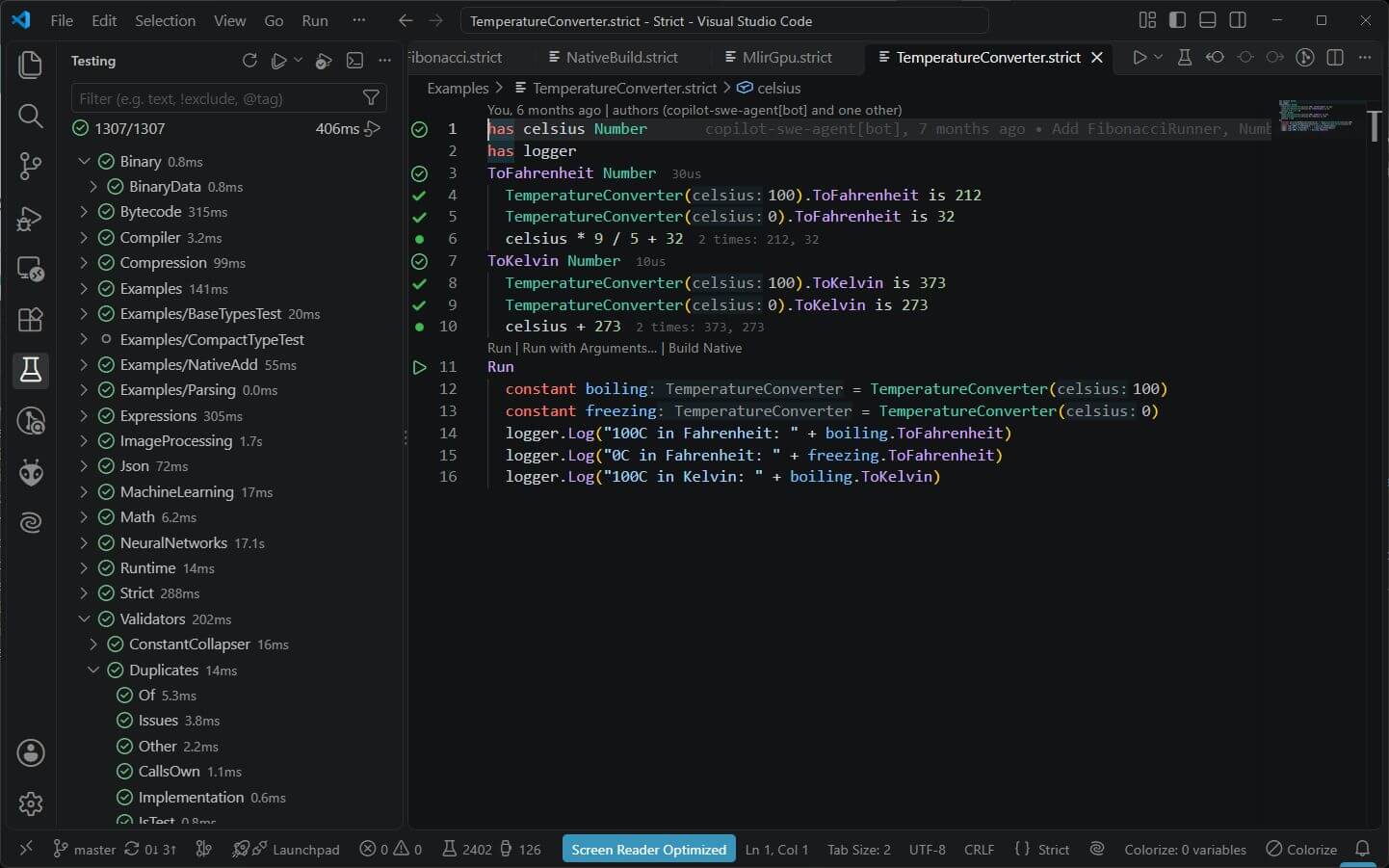
In VS Code, a type is also a small, executable explanation: SCrunch shows the results of its tests, hover explains the names, and F12 follows the definitions it uses.
Packages
Any folder that contains .strict files is a package, and so is any GitHub repository folder. The repository root holds the base types. They have special language treatment, are needed to build every package, and are available in every file without any import. Other packages, like Math or ImageProcessing, are found by name. There are no import, using or include statements.
Types from other packages are written as Package/Type, but only in declarations: members, parameters and return types. Method bodies use the plain type name.
has Math/Size
mutable Colors with Length is Size.Length
That is the complete ImageProcessing/Image.strict.
Creating instances
Call the type name with its member values in order: FizzBuzz(3), Range(2, 5), Vector2(3, 4).
- Members with an initial value (
has Alpha = 1) are not arguments, but you can still pass them. - Members of types that need no arguments are filled automatically.
has loggergets the standardLogger, soFizzBuzz(3)is enough. - A
mutablemember that isn't passed gets its default value, seeExamples/AutofilledMutable.strict. - If the only member is a list, the arguments become that list:
ReverseList(1, 2, 3, 4)fillshas numberswith(1, 2, 3, 4).
A type can define a custom constructor with from. It runs instead of filling the members directly. Character.strict creates a character from a single-letter text:
has number
from(text)
    Character("b") is "b"
    Character(7) is Tab
    7 to Character is "7"
    Character("ab") is Error
    text(0)
Types are values too. List(Number) is an empty list of numbers, Dictionary(Text, Number) is an empty dictionary, and Numbers is the same as List(Number).
Copies with replaced members
Type(instance, member = value) creates a copy with selected members replaced, leaving the original unchanged. This is useful for updating immutable state without repeating every constructor argument. See the replacement-copy tests.
Composition instead of inheritance
Almost every type is composed of more basic types and can be used as those types. has a member and you get all of that member's features. This works like multiple inheritance, but it is just composition. A Text is a list of characters, so every list method also works on texts:
has characters
A type with exactly one member is that member. Name is a Text with constraints, and Byte is a Number between 0 and 255. Natively such types don't even exist at runtime: a Name is its text and Degrees is its number.
has text with Length > 1 and " " is not in value
When you use a type as a type it isn't, for example a Context that is a Package used as a Type, an Error is the result, like a failed cast in C-like languages.
Traits
A type with methods but no method bodies is a trait, like an interface. Closeable.strict is just one line:
Close
A type uses a trait by having it as a member, and must then implement all trait methods. File.strict is composed of several traits:
has Length
has Closeable
has TextWriter
has TextReader
has BytesWriter
has BytesReader
from(path)
Exists Boolean
Delete
Traits are also how external code plugs in. Examples/NativeAdd/Adder.strict is implemented by C code in the package's native/ folder. See Using APIs.
Enums
A type with only constants is an enum. Values without an assignment are numbered automatically, continuing from the previous value. From Examples/InstructionType.strict:
constant Set
constant Add
constant Subtract
constant Multiply
constant Divide
constant BinaryOperatorsSeparator = 100
constant GreaterThan
constant LessThan
Set is 0, Divide is 4 and GreaterThan is 101. Enum values can also be texts, as in a Connection.strict like this:
constant Google = "https://google.com"
constant Microsoft = "https://microsoft.com"
Use the values directly through the type name, no instance needed: InstructionType.Add or Connection.Google. Every enum gets the methods of Enum.strict (GetName, CompareTo, Equals). Types with only constants may have up to 40 of them instead of the usual 15 members.
Generics
Generic stands for any type and is replaced by a concrete type when used. List.strict is written once with has elements Generics. List(Number), List(Text) or List(Vector2) are its implementations.
List(Number)andNumbersmean the same thing. Any type name ending insis a list of that type:Texts,Booleans,Characters,Variables,ValidationIssues.Dictionary(Text, Number)has two type arguments, see Lists and Dictionaries.Mutable(Number)is a number that is allowed to change, see Members and Variables.
Constraints with with
Members and parameters can be constrained with with and a Boolean expression. value is the constrained value; names like Length refer to its type, and other names can refer to the containing type. A constructor or method call that violates a constraint returns Error("ConstraintNotMet: ...") on both the Strict VM and native backend. Use with, not where.
has number with value >= 0 and value <= Max
constant Max = 255
More examples from the repository:
has Width Number with value > 0
has numbers with Length is 2
has Red Number with value >= 0 and value <= 1
mutable Colors with Length is Size.Length
Parameter defaults can precede the constraint, for example Run(frames = 0 with value >= 0). The compiler generates a Validated method for constrained types; its error location points to the member declaration that failed.
Decimal steps
A Number can declare its decimal precision with with Step 0.01. Steps also apply to parameters, return values and collections; optional Floor or Ceiling selects directional rounding. Stepped values preserve exact step counts, including through generated C# decimal bindings. See Decimals and Exact Values.
Optional values with or None
Values are never null. In the rare case a value is optional, add or None to its type. You still can't assign None, but a member that is never set stays None, and you can check for that:
has Parent Context or None
has Name
...
    if Parent is None
        logger.Log("This is the root")
Parent can be used as a Context, but if it was never set, using it is an error. Checking for None is a rare pattern in Strict. or also works for other types: Examples/Processor.strict has a method returning Boolean or Text.
Any
Any.strict is the base of every type. You never add it as a member and can never use it directly. Every type gets these methods automatically:
from
to Type
to Text
to HashCode
is(other) Boolean
So every value can be created, compared with is, and converted with to Text. A type can override any of them, for example Boolean defines its own to Text:
to Text
    true to Text is "true"
    false to Text is "false"
    value then "true" else "false"
Conversions with to
to converts a value into another type: 5 to Text is "5", "5" to Number is 5, 7 to Character is "7", ("1", "2") to Numbers is (1, 2). A type defines a conversion with a method named to plus the target type, like to Number in Character.strict. Text concatenation converts automatically: "Your age is " + 18 is "Your age is 18".